Cross-border operations
A preflight checklist for translated live streams
Rehearse audio, recognition, translation, playback, captions, OBS, and the real viewer device with observable evidence before every broadcast.
Lab Editorial3 min read
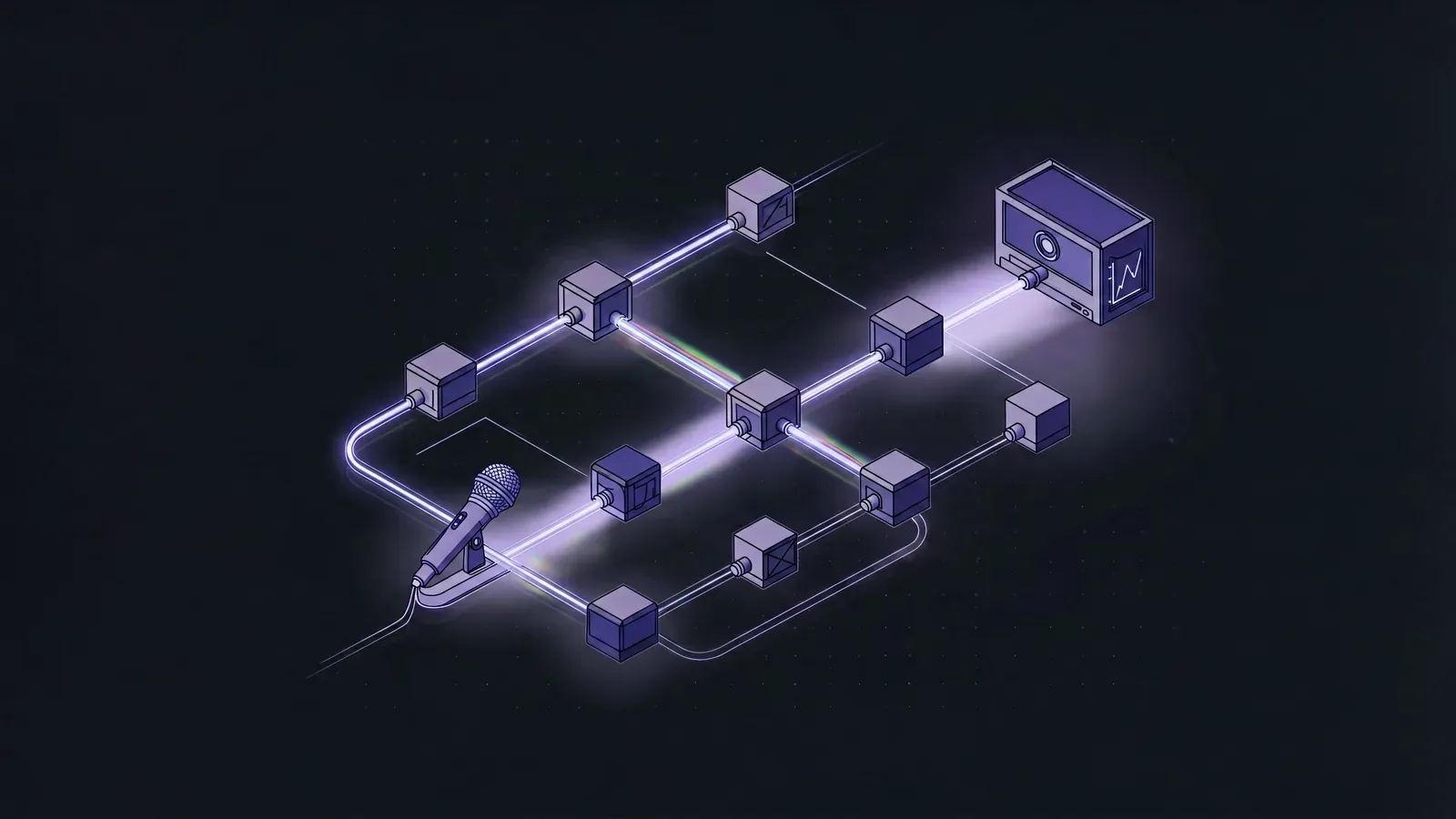
A translated broadcast adds recognition, translation, TTS, a virtual cable, and captions to the ordinary live stack. Green indicators do not prove that a viewer received any of them.
A useful preflight follows one realistic utterance from microphone to viewer device and leaves evidence at every layer.
Lock the configuration first
Record the day’s:
- microphone;
- source and target languages;
- recognition route;
- active AI role and terms;
- cloned voice;
- TTS output and monitor devices;
- OBS scene, audio track, and caption window.
ObsTrans exposes these settings and live state. Changing a recognition engine or sound device after rehearsal invalidates the path you just proved.
Use a passage that carries risk
Do not say only “hello, testing.” Prepare 30–60 seconds containing a brand, alphanumeric model, price, negation, offer condition, and a natural pause.
That passage exercises live recognition failure points, terminology, endpointing, numeric speech, and queue behaviour. Keep the structure stable and replace product terms each day.
The seven-layer check
1. Microphone
The selected device is physically in use and input state moves with speech. Recheck after any USB reconnect; yesterday’s stored device identifier is not evidence.
2. Recognition and translation
The workbench shows partial, then final source and target text. Inspect model, price, negation, and active-role terms. “Text appeared” is not acceptance.
3. Playback
A usable cloned voice is active, Playback translation is on, and queued items return to zero. Speak two consecutive sentences to expose unintended interruption or backlog.
4. Virtual cable
Translated playback activates the cable path and stops when playback is disabled. Use the virtual cable setup if the signal ends here.
5. OBS
The translated-audio meter moves, there is no duplicate source, and monitoring is not set to mute output. A local recording contains translation; headphones alone do not count.
6. Captions
The green window shows the required source/target lines, the longest sentence fits, and placement avoids products and platform controls. The bilingual caption integration covers the capture path.
7. Viewer
Join the test stream from another phone and listen and look. YouTube’s official streaming tips recommend setting up ahead, checking Live Control Room, verifying mobile access, and checking local archives. Its exact preparation times are YouTube-specific; the durable layers are early setup, preview, mobile, and archive.
Do not troubleshoot while pretending to launch
When a layer fails, write the last passing point. “TTS test passes, OBS translation meter is flat” goes directly to routing. “Local recording passes, viewer phone is silent” goes to stream-track and platform checks.
Define fallback before the clock forces a decision:
- speech fails but captions work: operate caption-first;
- captions fail but speech works: retain audio and have the assistant notify viewers;
- both fail: return to a single-language stream instead of implying translation remains active.
Fallback criteria belong on the checklist.
Keep minimal evidence
Save the short recording, the day’s configuration record, and who confirmed the viewer device at what time. This is not bureaucracy. It tells the next incident whether configuration changed or service behaviour changed.
After the full tool acceptance protocol establishes a baseline, daily preflight only needs to prove the critical path rather than repeat vendor selection.
Steps
- 1
Lock the day's configuration
Record source and target languages, recognition route, AI role, cloned voice, microphone, and playback device. Do not swap routes or hardware after acceptance.
- 2
Speak a risk-bearing test passage
Include a brand, model, price, negation, condition, and natural pause. Hello test does not exercise the system.
- 3
Observe the app and OBS path
Confirm final source and target text, TTS queue start and completion, virtual-cable and OBS meters, and a matching green-screen caption update.
- 4
Record and replay locally
Check source, translation, captions, and picture together for duplication, clipping, overflow, or stale translated speech crossing into the next product.
- 5
Accept from a real viewer device
Use a test or unlisted stream and listen on another phone while checking caption placement and control-room health. Local monitoring is not a viewer test.
Frequently asked questions
- Why is saying hello not enough?
- It contains no brand, number, negation, long or short phrasing, or realistic pause, so it misses the common recognition, terminology, segmentation, and queue failures.
- Do we still need a phone when the app and OBS look healthy?
- Yes. Platform overlays can hide captions, the stream track can differ from recording, and only the delivered stream exposes viewer-side level and timing.
- Who should run preflight?
- Use one operator and one verifier when possible. The host speaks at production pace while an assistant marks evidence and checks the viewer phone.
Keywordslive translation checklistcross-border stream rehearsalOBS preflighttranslated audio testbilingual caption test